Album 01
Pixel Pals
Cute critter collection — foxes, puppies and friends.
Pixel collecting · Color reel
Spin the three-lane color reel, knock the matching pixels loose, and watch them tumble off the picture into the hole. Sweep the board to 100%, stamp it CLEAR, and frame it in your album.
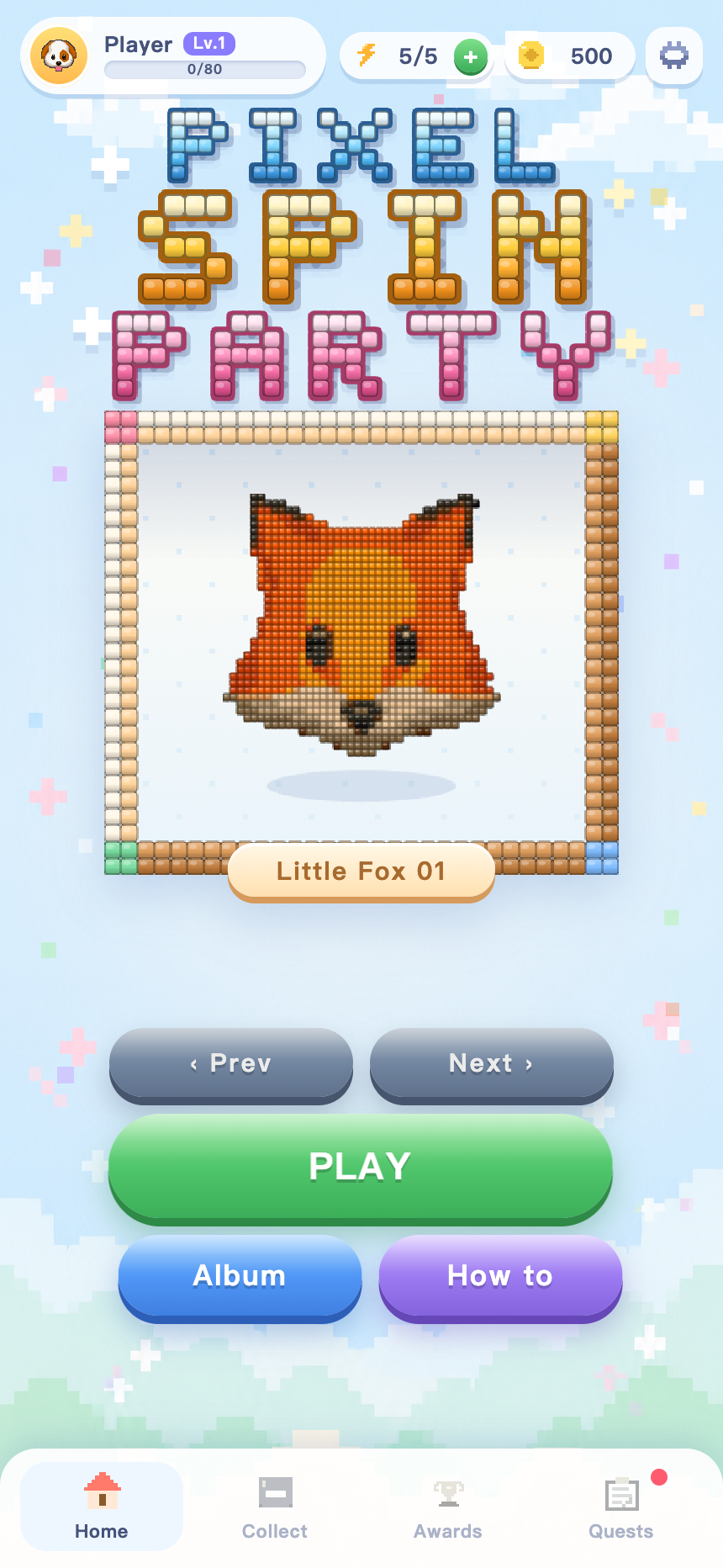
Every picture is one level. There is no timer and no fail state — the only thing your spin count decides is how many stars you finish with.
Open the Collection, choose a theme and tap any picture in the list. Each one costs a single point of energy to enter.
Three lanes roll six pixel colors and stop on a value each. Two matching lanes clear more, three matching lanes clear a lot more.
Pixels of that color break off the picture and tumble down into the hole at the bottom of the board, one bouncing bead at a time.
Empty the whole board to clear the level. The picture gets stamped, starred and framed into your album for good.
Real captures at phone resolution. Drag the row sideways, or use the arrows.
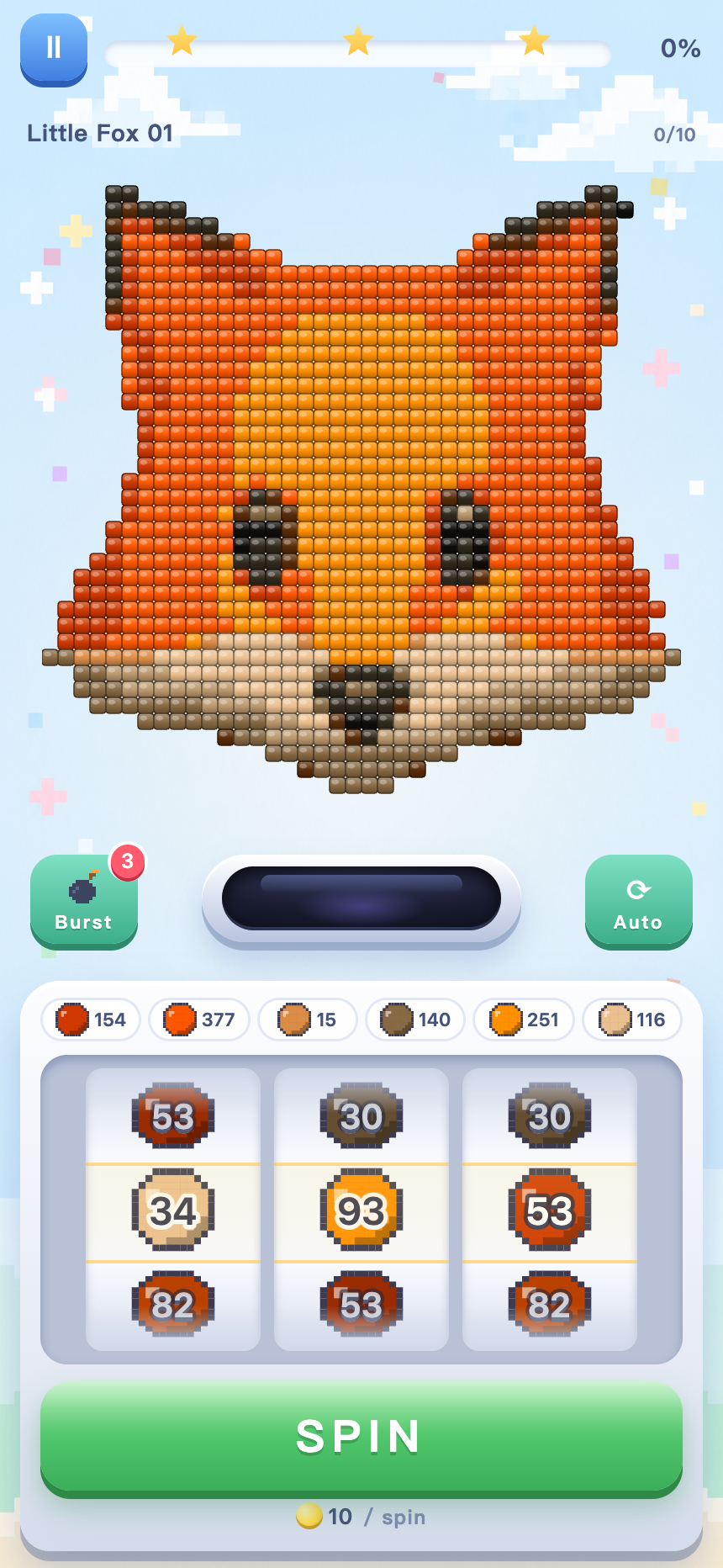
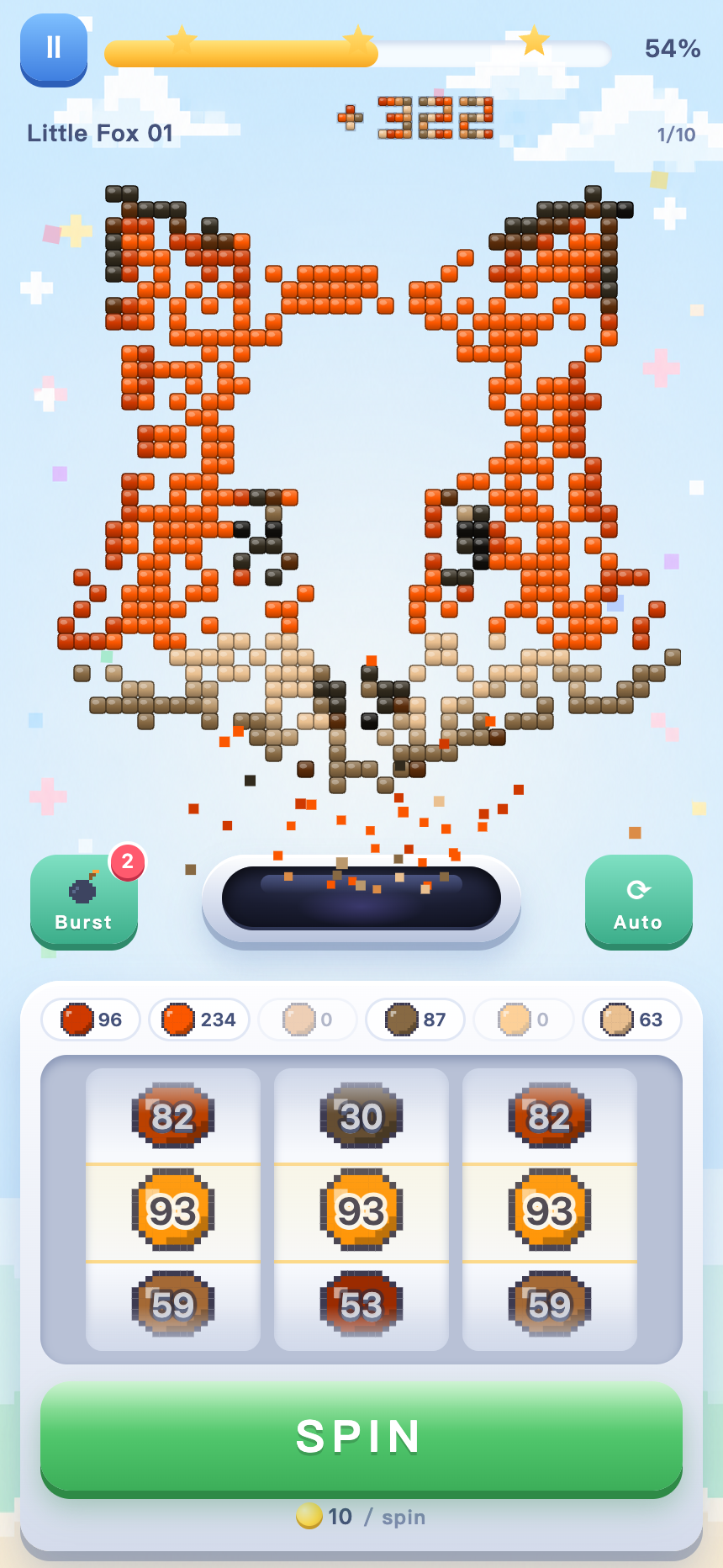
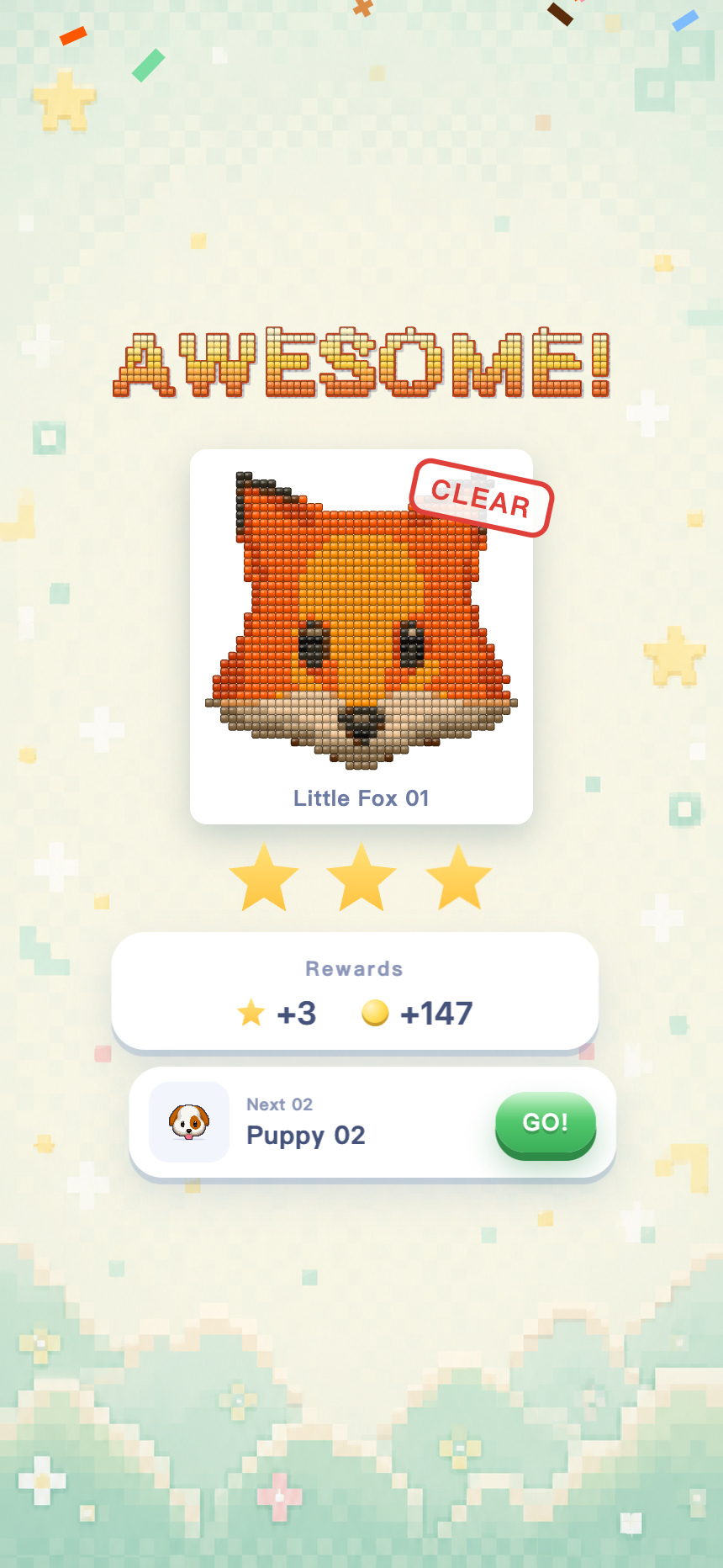
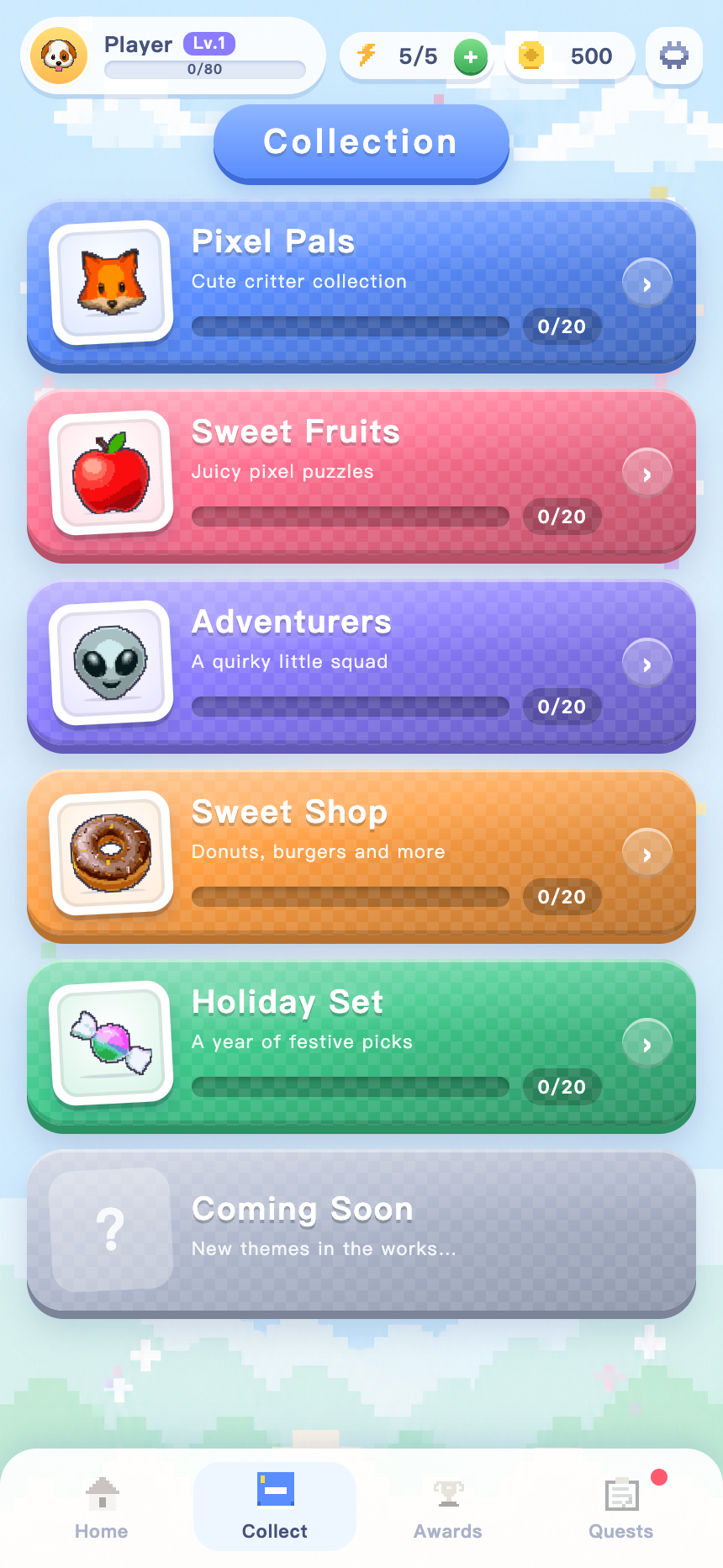
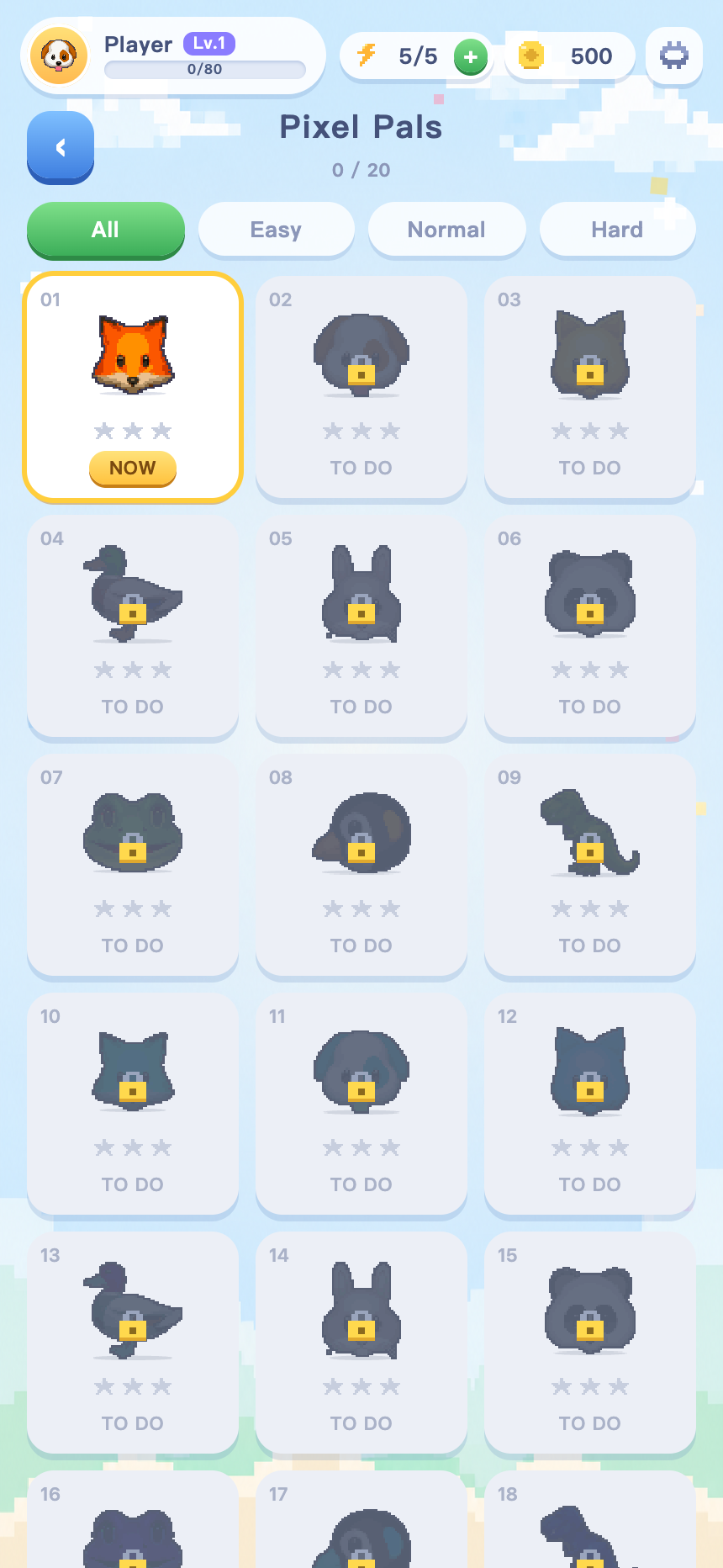
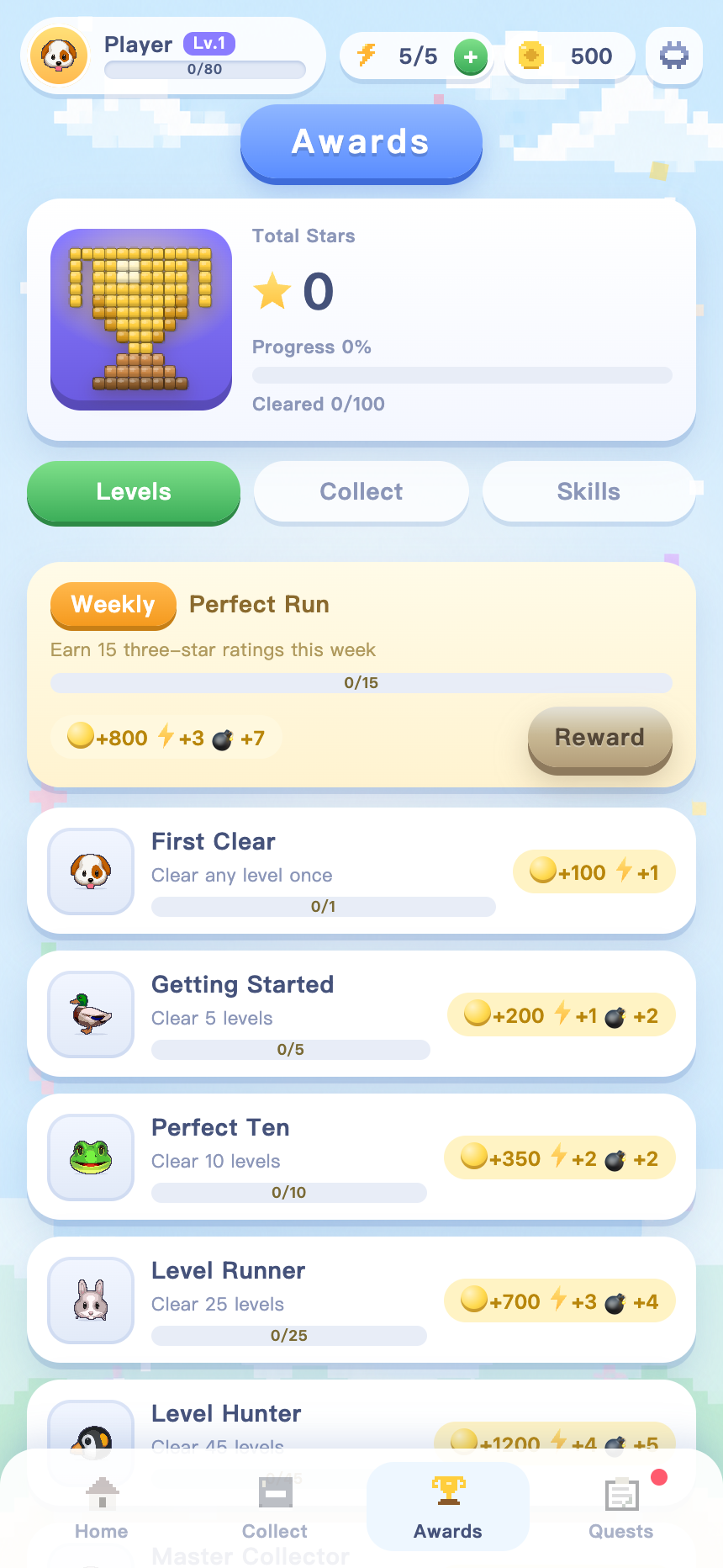
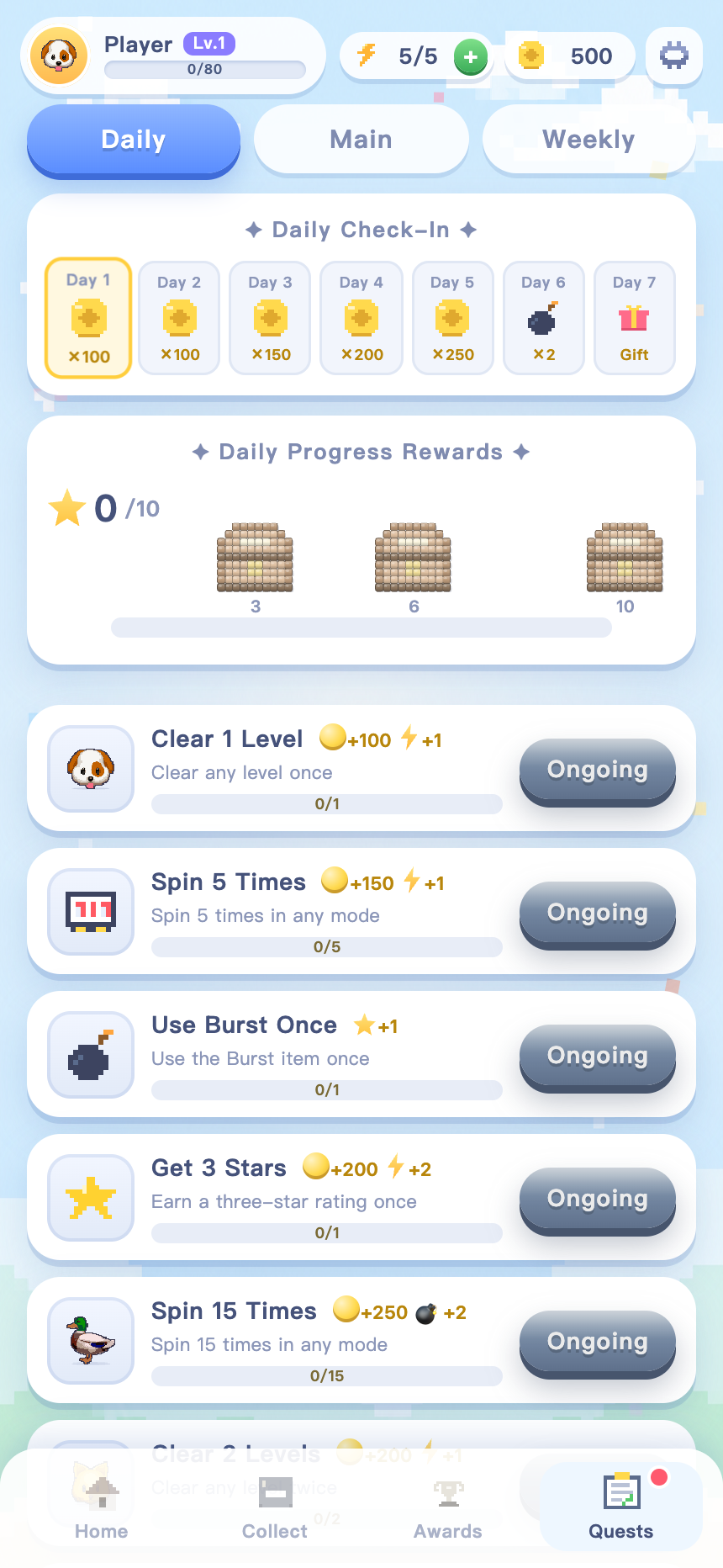
Nothing is locked behind another theme — open the album and start wherever you like.
Album 01
Cute critter collection — foxes, puppies and friends.
Album 02
Juicy pixel puzzles in bright, high-contrast colors.
Album 03
A quirky little squad of characters with big pixel eyes.
Album 04
Donuts, burgers and more — the busiest palettes in the game.
Album 05
A year of festive picks, one seasonal sticker at a time.
Album 06
New themes are in the works and drop straight into your album.
The reel does not use generic symbols. It rolls the six colors actually present in the picture you opened, so every level has its own palette.
Progress is saved on your device the moment a picture is finished.
Every picture has a target spin count. Finish inside it for three stars, inside 1.4× for two, and one star for getting there at all. Stars stack into your album total.
A one-shot item that chips every color at once — roughly 40% of a full board.
One point per picture. It refills on its own, a point every 10 minutes, and the cap grows as you level up.
Awards for pictures cleared, themes completed and clean technique, each with a reward to claim.
Earned from clears and quests, spent on spins and on topping your energy back up.
Three quest lists plus a seven-day check-in. Each list has its own chest track at 3, 6 and 10 completions, and the chest track never resets.
No. There is no timer and no fail state. Spin as many times as you like — the spin count only decides whether you finish with one, two or three stars.
No sign-up, no login. Your album, stars, coins and quest progress are saved locally on the device you play on.
Burst takes a fixed bite out of every one of the six colors at the same time — about 38% each. Thrown at a full board it clears roughly 40% of the pixels in a single tap, which is the fastest way to rescue a three-star run.
Entering a picture costs 1 energy. You regain a point every 10 minutes on your own. Your cap starts at 5 and rises by one for every level you gain, up to 20. Coins can top it up early if you would rather not wait.
It is built portrait-first for phones and scales up cleanly to tablets. It runs in the browser — nothing to install, and the pixel art is drawn live rather than shipped as images, so it stays sharp on any screen density.
One hundred right now: five themes at twenty pictures each. New themes are being drawn and drop straight into the existing album.
Spin the reel, drop the beads, sweep it clean.
Play Pixel Spin Party